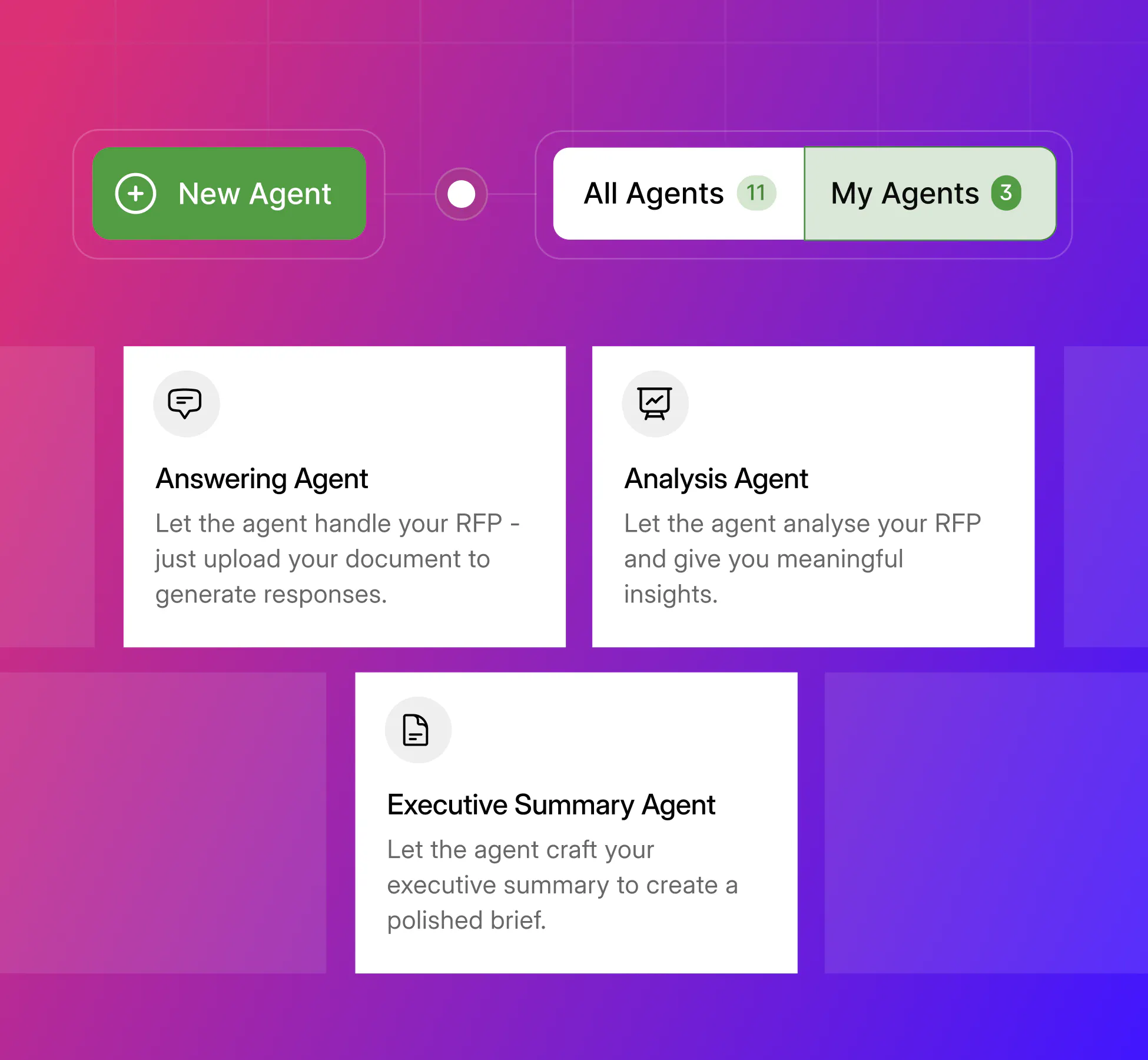
AI content collaboration software represents a fundamental shift in how teams create and manage knowledge together. These platforms embed generative artificial intelligence directly into collaborative workspaces—documents, wikis, design tools, and team chat—enabling teams to draft content, summarize information, and automate workflows using natural language prompts. Think of it as having an AI assistant that understands your company's data and can help with everything from writing meeting notes to generating reports. This category emerged from the convergence of two powerful trends: the maturation of transformer-based language models and the universal need for better team productivity tools. After ChatGPT demonstrated conversational AI's potential in late 2022, major platforms rapidly integrated similar capabilities. Microsoft embedded Copilot across Office 365, Google launched Duet (now Gemini) for Workspace, and specialized tools like Notion AI transformed how teams approach content creation. The timing matters because organizations are drowning in routine content work while simultaneously needing faster access to institutional knowledge. These tools promise to reduce busywork, accelerate cross-team collaboration, and enable new workflows that weren't possible with traditional software alone.
What these platforms actually do
AI content collaboration software tackles three core productivity challenges that plague modern teams: repetitive content creation, knowledge discovery across scattered systems, and workflow automation that traditionally required custom development. The underlying technology combines large language models with retrieval-augmented generation (RAG), which grounds AI responses in your organization's actual documents rather than just general training data. When you ask the AI to summarize last quarter's sales reports, it searches your company's indexed content, finds relevant documents, and generates responses with citations—reducing the hallucination risk that makes standalone AI tools unreliable for business use. Common features include draft generation and rewriting assistance, automated meeting summaries with action item extraction, semantic search that finds information based on meaning rather than keywords, and intelligent content templates. More advanced implementations offer multi-step agents that can update databases, create reports, or orchestrate complex workflows across multiple tools. The user base spans knowledge workers across industries, but adoption patterns vary by role. Marketing teams use these tools for campaign asset creation and brand-compliant content generation. Software development teams rely on code completion and documentation assistance. Executive teams value automated meeting recaps and strategic document summarization. Customer support organizations leverage these platforms for knowledge base management and response drafting.
How to evaluate your options
When assessing AI content collaboration platforms, four critical areas determine long-term success and ROI. Automation and collaboration capabilities form the foundation. Look for platforms that can handle your team's most time-consuming content tasks while maintaining quality standards. The best solutions offer granular control over AI assistance—you should be able to specify tone, format, and compliance requirements. Collaboration features should feel natural, allowing team members to work alongside AI without disrupting established workflows. Data and content management often determines platform viability for enterprise use. Your AI assistant is only as good as the information it can access and the accuracy of its responses. Evaluate how platforms index your existing content, handle different file formats, and maintain data freshness. Strong solutions provide robust search capabilities, automatic categorization, and clear content lineage so you can trace AI-generated insights back to source documents. Integration impact separates tools that enhance productivity from those that create new silos. The platform should connect seamlessly with your existing tech stack through APIs, connectors, or native integrations. Microsoft Copilot excels here because it's embedded directly in Office applications. Standalone platforms like Notion AI succeed by offering extensive connector libraries and webhook support. Results and trust factors encompass accuracy, performance, compliance, and measurable business impact. Look for platforms that provide citation tracking, version control, and audit trails. Security features should include data loss prevention, access controls, and compliance certifications relevant to your industry. Most importantly, establish clear metrics for success—whether that's reduced time spent on routine tasks, improved content quality scores, or increased team collaboration frequency.
What sets the best solutions apart
The AI content collaboration market is evolving rapidly, making vendor selection particularly crucial. The difference between a productivity multiplier and an expensive experiment often comes down to how well a platform handles the nuances of enterprise content work. Consider these key questions during evaluation: Does the platform maintain context across longer conversations and complex projects? Can it handle your industry's specialized terminology and compliance requirements? How transparent is the vendor about model training data and potential intellectual property concerns? What happens when the underlying AI model is updated—will your workflows break or improve? The most successful implementations typically start with a focused pilot program targeting specific workflow pain points. Choose vendors that offer clear enterprise privacy policies, transparent pricing models, and robust support during onboarding. Pay particular attention to how platforms handle error correction and human oversight—the best tools make it easy for users to review, edit, and learn from AI-generated content.
Looking ahead
AI content collaboration software is transforming from a novel productivity booster to essential business infrastructure. These platforms streamline routine content tasks, improve knowledge discovery, and enable new forms of team collaboration that weren't possible with traditional software. When evaluating options, prioritize integration capabilities, data security, and measurable productivity gains over flashy AI features. The most successful deployments combine powerful automation with clear human oversight and governance frameworks. The technology will continue evolving rapidly, with multimodal capabilities (text, image, video) and more sophisticated agent-based workflows on the horizon. However, the core value proposition remains constant: helping teams create better content faster while maintaining quality and compliance standards. Organizations that thoughtfully implement these tools today will build significant competitive advantages as AI-assisted collaboration becomes the expected standard for knowledge work.
FAQs
Q: What exactly is AI content collaboration software and how does it help teams work more effectively?
A: AI content collaboration software embeds generative artificial intelligence directly into collaborative workspaces like documents, wikis, design tools, and team chat platforms. It enables teams to draft content, summarize information, and automate workflows using natural language prompts, essentially providing an AI assistant that understands your company's data and can help with everything from writing meeting notes to generating reports while maintaining real-time shared editing capabilities.
Q: How much time can these platforms actually save, and what specific tasks do they automate?
A: These platforms tackle repetitive content creation, knowledge discovery across scattered systems, and workflow automation that traditionally required custom development. Common automated tasks include draft generation and rewriting, automated meeting summaries with action item extraction, semantic search across team content, and intelligent content templates. More advanced implementations offer multi-step agents that can update databases, create reports, or orchestrate complex workflows across multiple tools, with teams reporting significant reductions in busywork and faster cross-team collaboration.
Q: How do these tools integrate with existing systems and manage our company's data securely?
A: The best solutions connect seamlessly with existing tech stacks through APIs, connectors, or native integrations, with platforms like Microsoft Copilot embedded directly in Office applications and standalone tools offering extensive connector libraries. They use retrieval-augmented generation (RAG) to ground AI responses in your organization's actual documents rather than just general training data, providing citations and reducing hallucination risks. Strong solutions include robust search capabilities, automatic categorization, clear content lineage, and enterprise security features like data loss prevention, access controls, and compliance certifications.
Q: What are the limitations of these AI tools and where is human oversight still essential?
A: While these platforms significantly enhance productivity, they still face challenges with hallucinations and accuracy issues where LLMs can produce plausible but incorrect content. Human oversight remains crucial for reviewing and editing AI-generated content, ensuring quality standards, and maintaining compliance requirements. Organizations need clear governance frameworks, including input filtering, audit trails, version control, and human-in-the-loop design to ensure quality and ownership of all AI-assisted work.
Q: What should organizations consider when evaluating and selecting an AI content collaboration platform?
A: Focus on four critical areas: automation and collaboration capabilities that handle your most time-consuming tasks while maintaining quality, data and content management including how platforms index existing content and handle different file formats, integration impact with seamless connections to your existing tech stack, and results and trust factors encompassing accuracy, compliance, and measurable business impact. Prioritize platforms offering transparent pricing models, clear enterprise privacy policies, robust support during onboarding, and the ability to start with focused pilot programs targeting specific workflow pain points.