AI document automation software transforms how organizations handle paper-intensive processes by converting unstructured documents into structured, actionable data. This technology combines optical character recognition, computer vision, natural language processing, and workflow automation to eliminate manual data entry from invoices, contracts, claims forms, and other business documents.
The timing couldn't be better for this capability. Organizations are drowning in document volumes while facing pressure to accelerate processes and reduce costs. Manual document processing creates bottlenecks, introduces errors, and locks valuable information away from analytics and decision-making systems. Recent advances in transformer-based AI models have dramatically improved accuracy for complex document layouts, making automation viable for documents that previously required human review.
When evaluating these solutions, you'll need to assess four key areas: automation capabilities and collaboration features, data management and content organization, integration with existing workflows, and measurable results including accuracy and compliance. The right platform can reduce processing time by 70-80% while improving data quality, but success depends on choosing technology that aligns with your specific document types and business processes.
What these platforms actually do
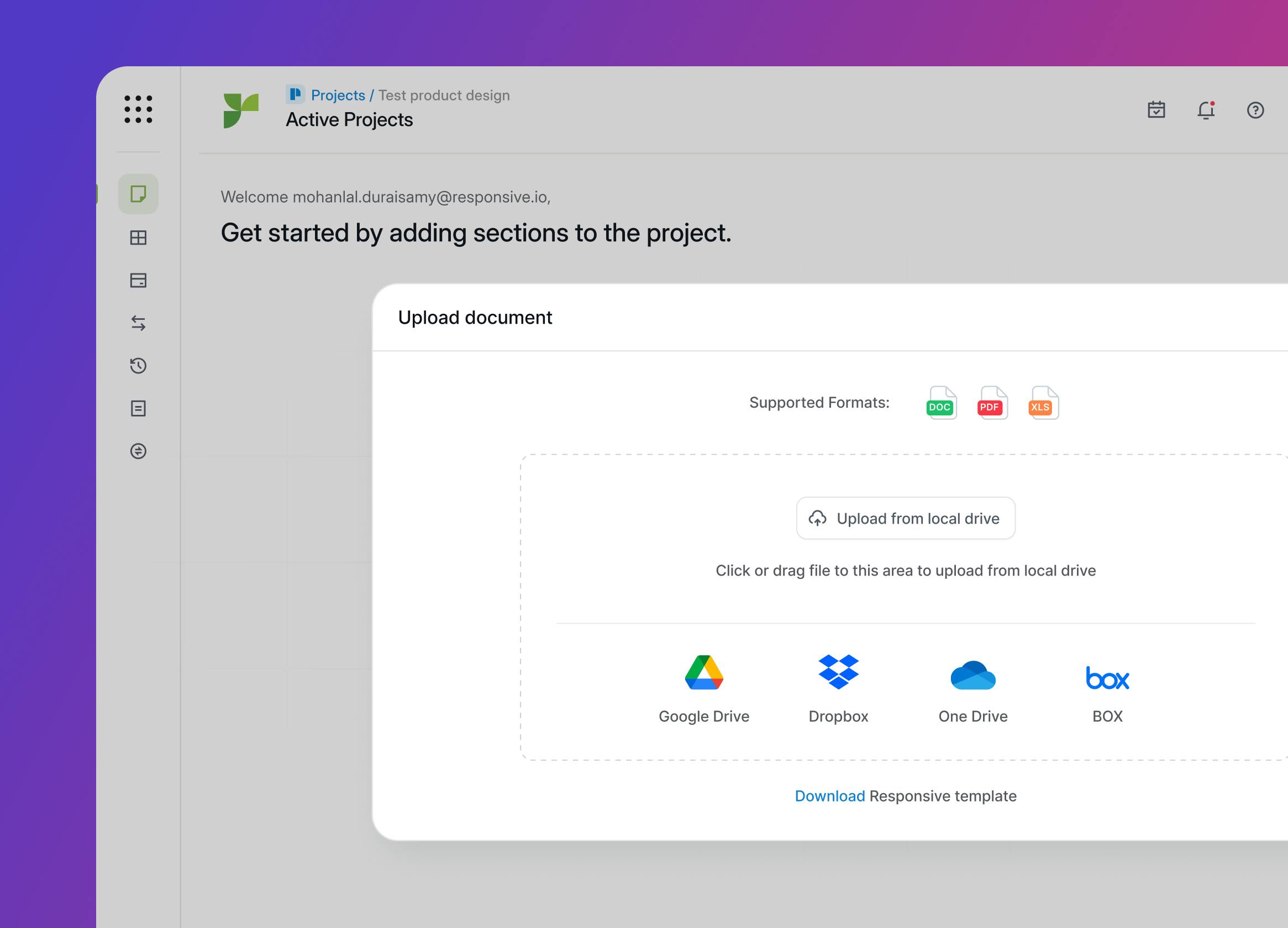
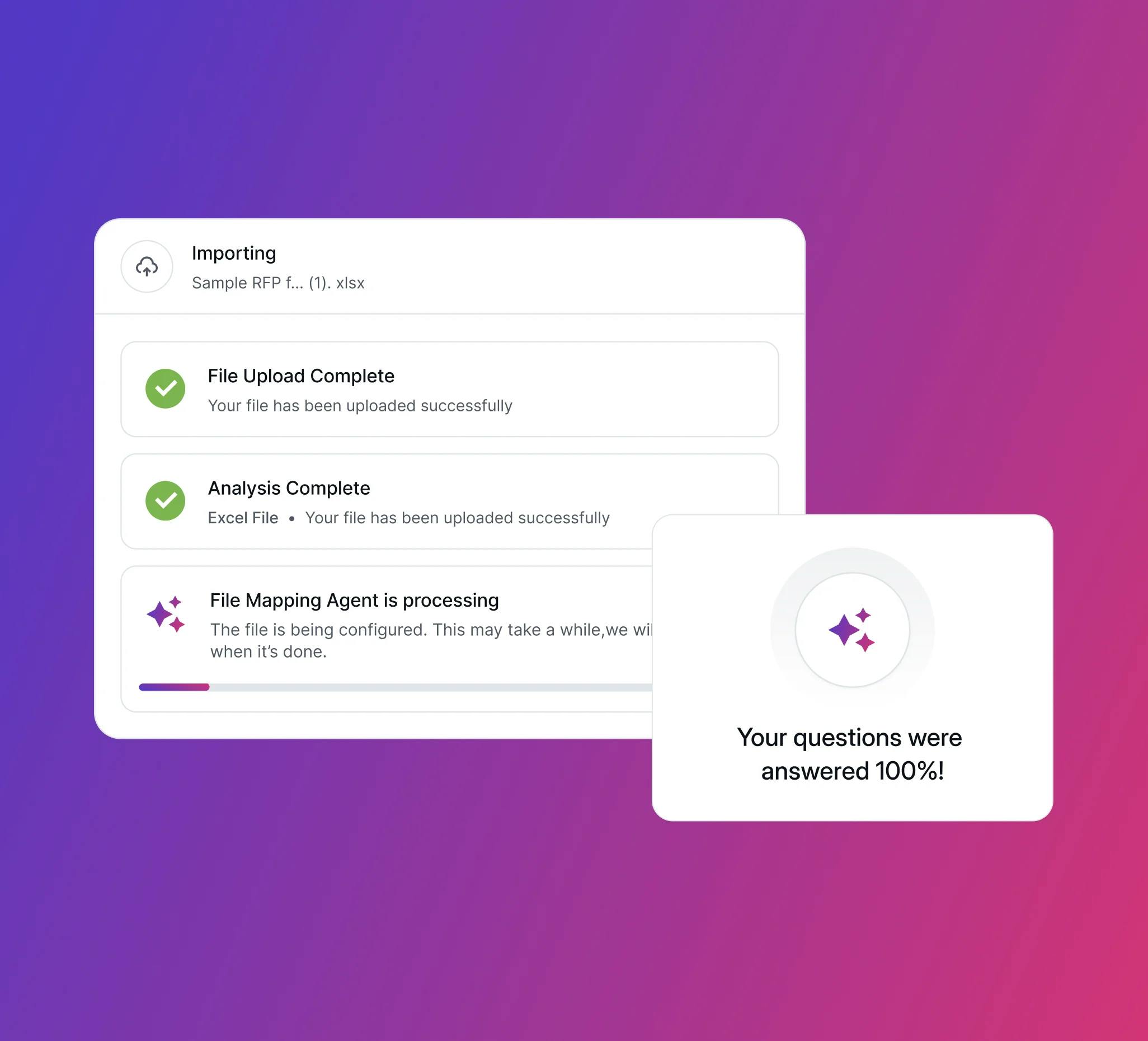
AI document automation software tackles the most time-consuming aspects of document processing. Instead of having staff manually type information from invoices into ERP systems or extract key terms from contracts, the software automatically identifies document types, extracts relevant data fields, validates information against business rules, and routes outputs to appropriate systems or workflows.
The core technology stack combines several AI disciplines. Optical character recognition engines extract text and understand document layout, including tables and forms. Computer vision models analyze document structure and identify key regions. Natural language processing interprets context and meaning, while machine learning models continuously improve accuracy based on validation feedback.
Common features include pre-built processors for standard documents like invoices and receipts, customizable extraction templates, human-in-the-loop validation workflows, and integration APIs for enterprise systems. Modern platforms also offer document classification, automated indexing, content search, and basic analytics on processing volumes and accuracy rates.
Finance teams use these tools for accounts payable automation, while legal departments apply them to contract analysis and compliance monitoring. Insurance companies streamline claims intake, and healthcare organizations automate patient form processing. The technology works across industries, but implementation success often depends on document standardization and clear business rules.
How to evaluate the technology that matters
Automation capabilities and team collaboration
Look for platforms that handle your specific document types without extensive customization. The best solutions offer pre-trained models for common business documents plus tools to create custom processors. Evaluate how the platform handles exceptions and errors—robust human-in-the-loop workflows let subject matter experts validate uncertain extractions while training the system to improve over time.
Collaboration features matter because document processing rarely involves just one person. Teams need shared validation queues, approval workflows, and clear audit trails. Some platforms integrate with existing collaboration tools, while others provide built-in workspaces for document review and approval.
Data organization and content accessibility
Document automation generates structured data that must integrate with existing information systems. Evaluate how platforms organize extracted data, handle version control, and maintain links between processed documents and their sources. Strong solutions provide searchable document repositories, automated indexing, and flexible export options.
Content management capabilities become critical at scale. Look for platforms that can handle document retention policies, support redaction for sensitive information, and provide robust search across processed content. Vector-based search enables finding documents by concept rather than just keywords, unlocking new analytical possibilities.
Integration and workflow impact
The most successful implementations connect seamlessly with existing business systems. Evaluate API capabilities, pre-built connectors for common enterprise software, and how the platform fits into current approval workflows. Some solutions work as standalone applications, while others embed directly into ERP, CRM, or content management systems.
Consider how the platform handles exception processing and escalation. Real-world documents often contain edge cases that require human judgment. The best platforms make it easy to route exceptions to appropriate reviewers without disrupting automated processing of standard documents.
Measurable results and trust factors
Accuracy metrics should be your primary evaluation criterion, but they must be measured against your actual documents, not vendor demo materials. Request proof-of-concept testing with your document types and volumes. Look for platforms that provide detailed accuracy reporting and let you track improvement over time.
Performance considerations include processing speed, system uptime, and how the platform scales with volume increases. Enterprise buyers should evaluate security certifications, compliance capabilities, and vendor data handling practices. Some vendors train their models on customer data unless explicitly contracted otherwise—understand these policies before implementation.
Return on investment becomes measurable through reduced processing time, lower error rates, and staff redeployment to higher-value activities. The best platforms provide analytics dashboards that track these metrics and demonstrate business value.
What separates leaders from followers
The document automation market includes dozens of vendors with seemingly similar capabilities, but meaningful differences emerge under closer examination. Leading platforms offer superior accuracy on complex documents, more flexible customization options, and stronger integration ecosystems. They also provide clearer data governance policies and more transparent model behavior.
Technical differentiation often centers on how platforms handle layout-aware document understanding. Advanced solutions use transformer-based models that jointly process text, spatial positioning, and visual elements, delivering better results on forms, tables, and multi-column layouts. Some newer platforms offer "OCR-free" processing that directly converts document images to structured data without intermediate text extraction steps.
Consider these questions during vendor evaluation: Can the platform process your most challenging document types accurately? How quickly can you customize processors for new document formats? What happens to your data during and after processing? How does the vendor handle model updates and accuracy improvements? Can you audit the platform's decisions and provide meaningful feedback?
Making the technology work for your organization
AI document automation represents a fundamental shift from manual, error-prone document processing to intelligent, scalable automation. The technology has matured beyond simple OCR to deliver sophisticated understanding of document context and meaning. When implemented thoughtfully, these platforms reduce processing time by 50-80% while improving data quality and enabling new analytical capabilities.
Focus your evaluation on accuracy with your actual documents, integration capabilities with existing systems, and clear data governance policies. The platforms that deliver lasting value combine strong technical capabilities with robust operational features like exception handling, team collaboration, and performance analytics.
Looking ahead, expect continued improvement in document understanding accuracy, better integration with large language models for summarization and analysis, and more sophisticated automation that can handle entire end-to-end processes. The organizations that start building expertise with these tools now will have significant competitive advantages as the technology becomes more powerful and widely adopted.
FAQs
Q: How does AI document automation software actually work and what benefits does it provide?
A: AI document automation combines optical character recognition, computer vision, natural language processing, and workflow automation to automatically convert unstructured documents into structured, actionable data. Instead of manually typing information from invoices into ERP systems or extracting key terms from contracts, the software identifies document types, extracts relevant data fields, validates information against business rules, and routes outputs to appropriate systems. This eliminates manual data entry bottlenecks, reduces errors, and unlocks valuable information for analytics and decision-making.
Q: What kind of time savings and automated tasks can organizations expect?
A: Organizations typically see processing time reductions of 70-80% when implementing AI document automation. Common automated tasks include accounts payable processing where invoices are automatically extracted and routed to ERP systems, contract analysis for legal departments, insurance claims intake, and healthcare patient form processing. Finance teams can automate their entire accounts payable workflow, while legal departments can monitor contract compliance automatically. The technology works across industries by eliminating the manual data entry that creates bottlenecks and locks information away from business systems.
Q: How does AI document automation integrate with existing tools and manage extracted data?
A: Modern platforms provide robust API capabilities and pre-built connectors for common enterprise software like ERP, CRM, and content management systems. The software organizes extracted data with automated indexing, maintains links between processed documents and their sources, and offers flexible export options. Strong solutions include searchable document repositories, handle document retention policies, support redaction for sensitive information, and provide vector-based search that enables finding documents by concept rather than just keywords. Some solutions work as standalone applications while others embed directly into existing business systems.
Q: What are the limitations of AI document automation and where is human oversight still needed?
A: While AI document automation handles standard documents very effectively, human judgment remains essential for exception processing and edge cases. Real-world documents often contain complex layouts, handwriting, or unusual formatting that requires human review. The best platforms provide robust human-in-the-loop workflows where subject matter experts can validate uncertain extractions while training the system to improve over time. Human oversight is also critical for handling escalations, ensuring compliance with business rules, and managing documents that fall outside the system's trained parameters.
Q: What should buyers consider when evaluating AI document automation platforms?
A: Focus your evaluation on four key areas: accuracy with your actual documents (not vendor demos), automation capabilities for your specific document types, integration with existing workflows, and measurable results including processing speed and compliance features. Request proof-of-concept testing with your real document types and volumes, as accuracy varies significantly based on document complexity. Evaluate how platforms handle exceptions, provide collaboration features for team validation, and offer clear data governance policies. Consider security certifications, vendor data handling practices, and whether vendors train their models on customer data unless explicitly contracted otherwise.