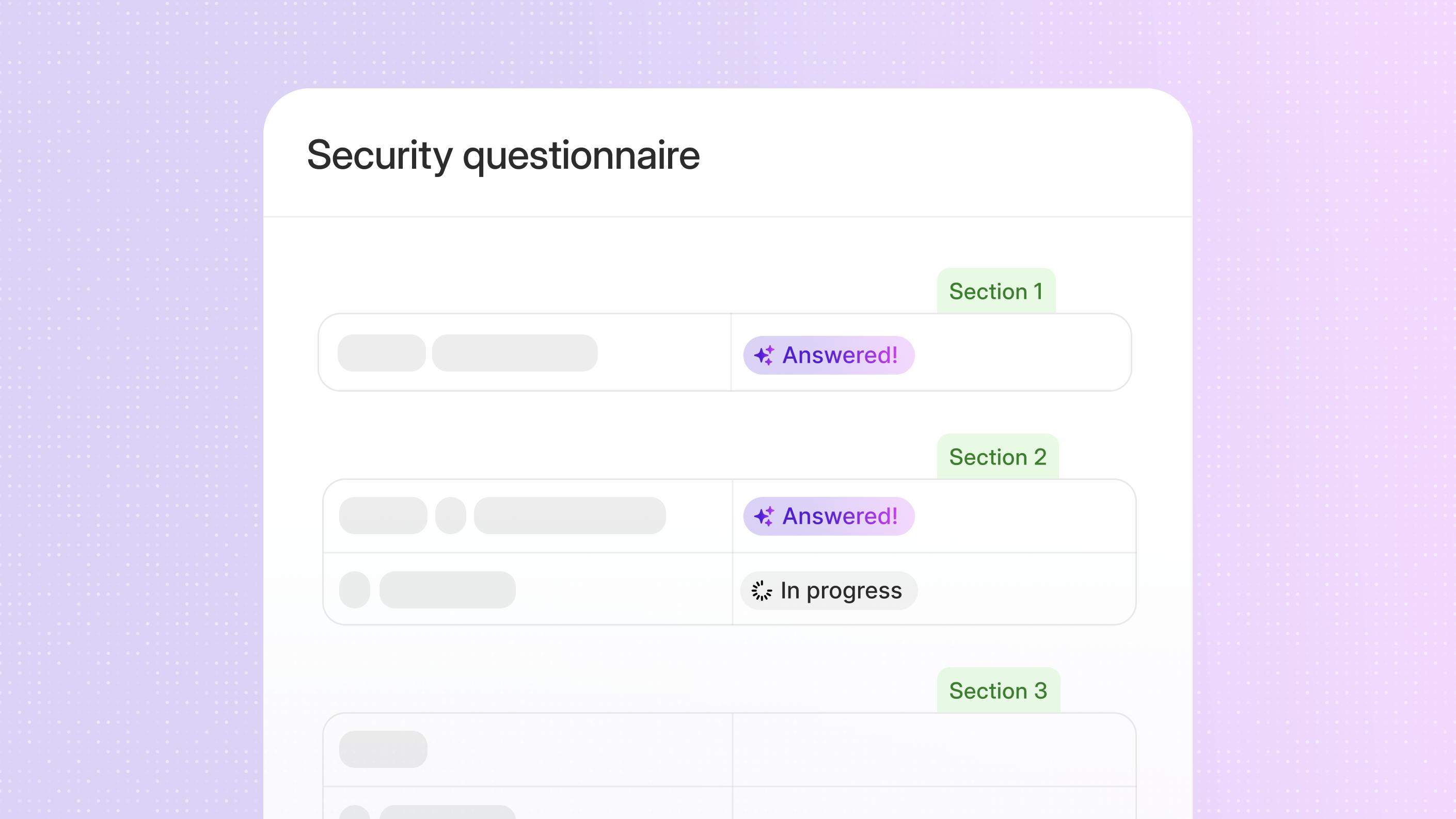
Security questionnaires are an expected part of enterprise and regulated sales motions. You already know the patterns. The same controls, policies, and risk disclosures surface across Standardized Information Gatherings (SIG), Consensus Assessments Initiative Questionnaires (CAIQ), and customer-specific assessments, often routed through security, legal, product, and IT, even when approved answers exist. The challenge is rarely a lack of information, but the effort required to locate, validate, and reuse it consistently.
As deal volume increases, these inefficiencies compound. Security reviews tend to arrive late in the sales cycle and require fast turnaround, while you are balancing presales support with audits, certifications, and ongoing compliance work. Delays or inconsistencies can stall deals or trigger additional scrutiny, adding friction at a point where momentum matters most.
Security questionnaire automation addresses this problem by formalizing the application of approved content at scale. By centralizing validated responses and using AI assistance where appropriate, you reduce repetitive drafting without weakening review or ownership. Automation does not remove security accountability. It reinforces it by ensuring every response reflects the same approved source of truth.
This guide focuses on how security questionnaire automation works in practice, why it matters in today’s buying environment, and how you can implement it to reduce response friction while keeping security teams firmly in control.
What is security questionnaire automation, and why does it matter?
Security questionnaire automation helps you answer customer security assessments using centralized, approved content with AI assistance. Instead of rewriting answers for every request, you reuse consistent responses and supporting evidence across questionnaires. This applies to formal assessments as well as ad hoc security questions that surface during sales cycles.
Manual approaches tend to break down as volume increases. Subject matter experts (SMEs) can be pulled into the same reviews repeatedly, slowing response times and increasing the risk of conflicting answers across deals. Over time, security content can become scattered across documents and inboxes, increasing governance risk.
Automation matters now because expectations have changed. You are expected to respond quickly without sacrificing accuracy or oversight. In practice, this means balancing several pressures:
- Buyers want clear, timely answers as part of due diligence
- Sales teams need to keep deals moving without adding headcount
- Security and compliance teams need assurance that every response reflects current, approved information
When implemented correctly, security questionnaire automation helps you meet these expectations. You can respond faster with consistent, governed answers while reducing repeated effort across sales, security, and compliance teams. You also gain clearer visibility into response quality and confidence.
With the right foundation in place, automation becomes easier to manage and scale. This is where Responsive and tools like Trust Center support a more proactive approach to security questionnaires.
How Responsive approaches security questionnaire automation
Responsive approaches security questionnaire automation by grounding every response in centralized, approved content within the Responsive Platform. AI supports drafting, while you retain control over the content used in every response. This ensures speed without sacrificing accuracy or governance.
Instead of treating security questionnaires as one-off tasks, you handle them within the same workflows used for RFPs, RFIs, and other due diligence requests. This allows you to apply consistent processes for assignment, review, and approval across all customer responses, reinforcing response management best practices.
At a practical level, this approach helps you:
- Reuse approved answers across questionnaires
- Reduce repeated subject matter expert reviews
- Maintain alignment between sales, security, and compliance teams
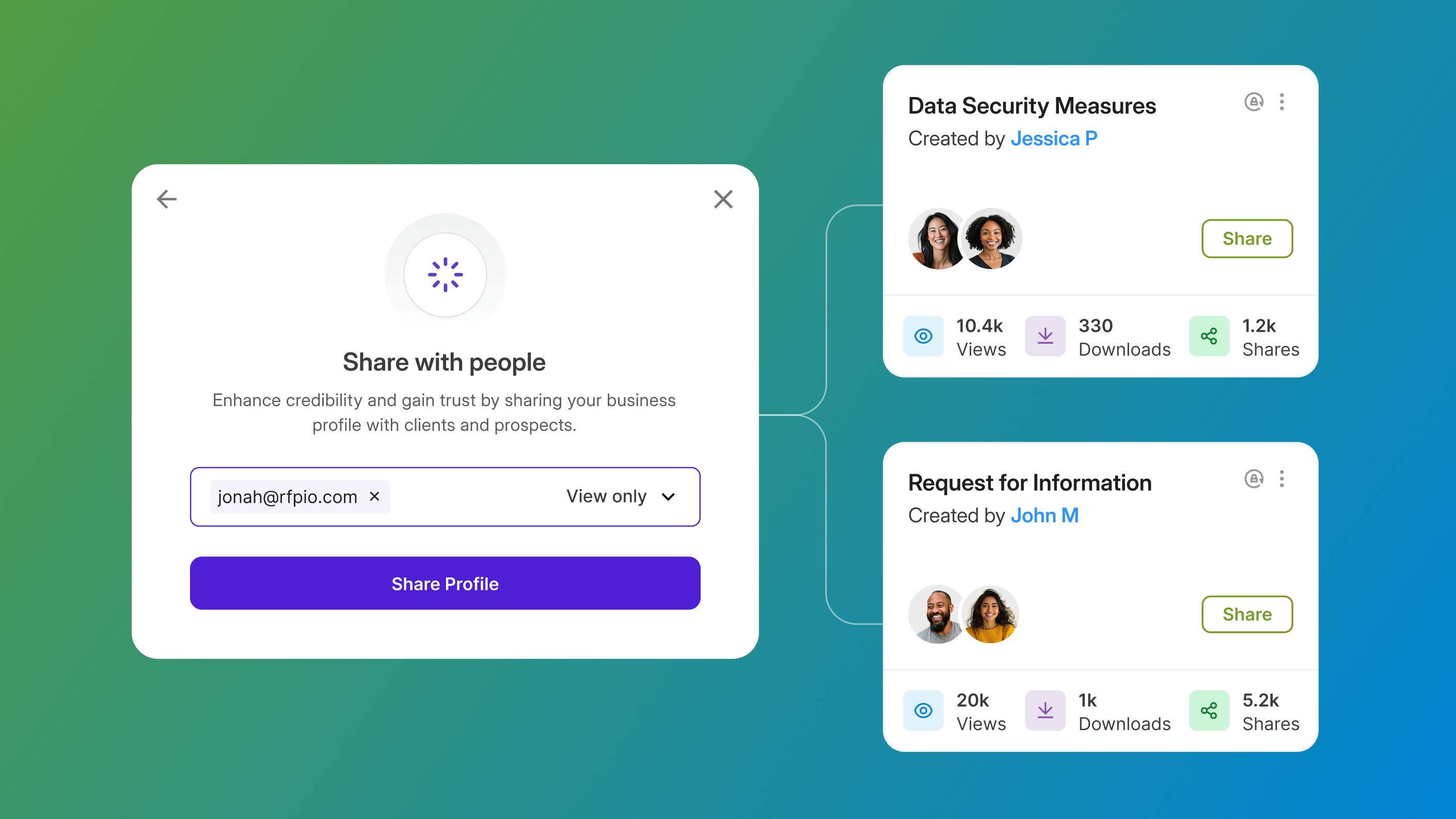
Trust Center adds a proactive layer to this workflow. It gives you a centralized place to organize and publish your security posture, including certifications, policies, and standard security responses that prospects frequently request.
By sharing Trust Center content early in the buying process, you can address common security questions before a questionnaire is even sent. When questionnaires do arrive, much of the required information is already centralized and ready to reuse. With this foundation in place, you can move from managing requests reactively to applying automation more deliberately, which sets the stage for the practical steps covered in the next section.
Practical steps to begin automation
Build your foundation
Getting started with security questionnaire automation begins with building a content foundation. Identify the security questionnaires you see most often, then review existing answer libraries, shared documents, and prior responses. This is the point to gather the policies, certifications, and controls that support those answers so they can be reviewed and approved centrally.
Centralize content
Next, centralize this content into Responsive. Import your key documents and existing answers so AI draws only from all approved sources rather than generating responses in isolation. Centralization creates a single place to manage and update security information over time, supporting consistency and governance.
Create AI-assisted workflows
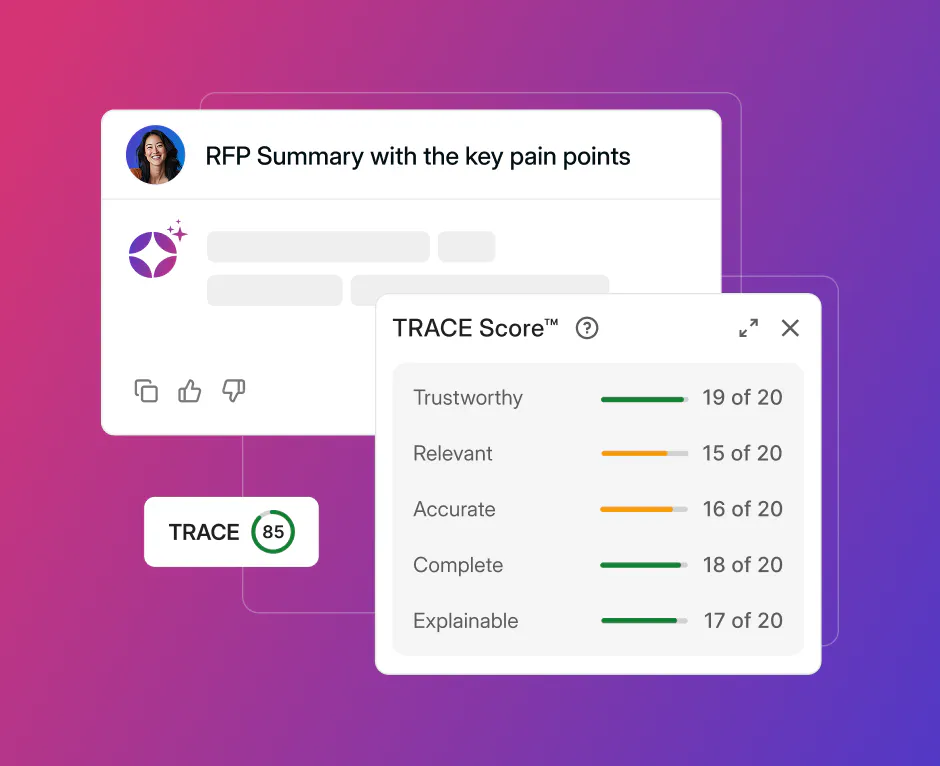
With your content centralized, you can begin applying AI to the response process in a controlled way. AI-assisted workflows use your approved source material to generate first-draft answers, giving you a faster starting point without bypassing review. Instead of drafting from scratch, you spend more time validating and refining responses. As these drafts are reviewed and reused, they contribute to a growing library of trusted answers that continues to improve response speed and consistency, supported by confidence signals such as TRACE Score™.
Publish your trust center
Creating a Trust Center hub is another important step. Publishing a trust center with your core security documents allows prospects to self-serve information earlier in the buying process, reducing incoming questionnaires and improving buyer confidence.
Measure and refine (then repeat)
The final step comes after you've had a chance to begin using the security questionnaire automation you’ve set up: you’ll want to measure impact and refine your approach. Track how automation affects turnaround time, response quality, and team effort. Use these insights to improve content accuracy, increase reuse, and adjust workflows as needs change.
With automation established, attention naturally turns to how responses are reviewed, governed, and maintained over time, which the next section addresses.
Common concerns and how to address them
When you start using automation, questions often center on accuracy, adoption, and how new workflows fit into your existing tools. These concerns are common and addressable with the right structure in place.
Accuracy and governance
Accuracy is usually the first concern. You need confidence that automated responses reflect approved, current information and that nothing is being generated without context. Responsive addresses this by grounding every AI-assisted response in vetted content rather than generating answers in isolation.
TRACE Score™ adds an additional layer of transparency by showing how closely each response aligns with its underlying source material. This gives you a clear signal of response quality and confidence, helping reviewers quickly identify which answers are ready to move forward and which require closer inspection. As a result, review time is spent validating prioritized items rather than rereading every response line by line.
Team adoption
Adoption depends on trust and clarity. Automation works best when contributors understand where answers come from, how content is reviewed, and who owns updates over time. Training should focus on making these workflows visible, showing how automation supports your expertise rather than replacing it. When team members see that they remain responsible for approving final answers and maintaining source content, automation feels like a tool that reduces friction rather than a system they need to work around. Over time, this shared understanding helps normalize reuse, improve consistency, and increase participation across security, sales, and compliance teams.
Integration with existing tools
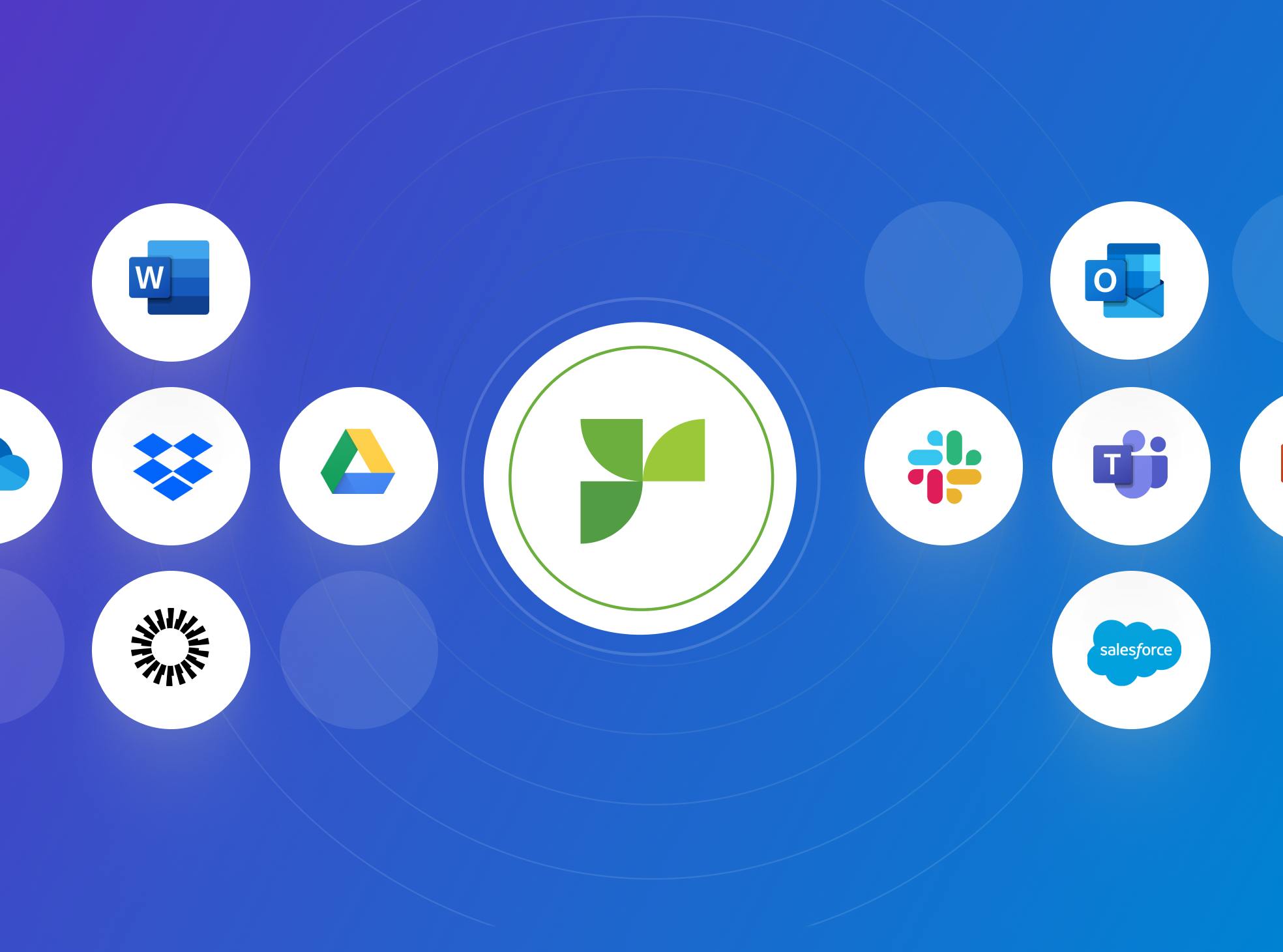
Automation also needs to fit into how you already work. Responsive integrates with the systems you use every day, including SSO authentication apps, CRM connectors, cloud storage apps, document management platforms, and more. This reduces context switching and allows you to incorporate automation into existing workflows rather than creating new ones, reinforcing the value of centralized knowledge. This also lowers the barrier to entry for all team members, allowing them to continue using the familiar tools they prefer while adopting a more efficient, standardized approach to security questionnaire responses.
As these concerns are addressed, the focus often shifts from managing risk to realizing value.
Where security questionnaire automation delivers value
Once automation is in place, the impact is most visible during late-stage security reviews, when timing and accuracy matter most. Faster response times help you maintain deal momentum without putting last-minute strain on security teams. Instead of starting from scratch for each request, you can focus attention on validating sensitive details, addressing edge cases, and confidently responding to follow-up questions. This shift reduces friction at a critical point in the buying process while preserving review rigor.
You also gain stronger consistency and confidence across every customer interaction. Reusable, approved content ensures that each response reflects the same security posture, regardless of who is responding or when the request arrives. This level of consistency depends on clear ownership and well-managed security knowledge. With a shared source of truth in place, it becomes easier to keep answers aligned as policies change or new requirements emerge, reducing risk and improving response quality across the organization.
Over time, these improvements compound. Security questionnaire automation supports growth without requiring additional headcount by making responses more repeatable and easier to manage. As content is reused, reviewed, and refined through the real requests you’re fielding, it becomes more accurate and complete. The result is durable efficiency for both revenue and security teams, with less time spent on coordination and more confidence in the quality of every response.
At a high level, automation delivers value in three areas:
- Faster responses that help maintain deal momentum
- Consistent, governed answers that build buyer trust
- Scalable processes that support growth without added complexity
Security questionnaire automation works best when it starts with accurate content and clear ownership. With that foundation in place, you can respond faster while maintaining control over your security posture.
Next steps
To see security questionnaire automation in action, look at how Availity uses Responsive to support trust across its healthcare network. As an organization that connects health plans, providers, and partners, Availity faces a steady volume of security and compliance reviews from customers and stakeholders.
By centralizing approved security content and automating responses to recurring questionnaires, Availity can respond more efficiently while maintaining consistency and oversight. This approach helps the team reduce back-and-forth on security reviews and spend more time supporting the reliability and transparency their customers expect.
You can also explore how Responsive supports security questionnaire automation at the product level, including centralized content, AI-assisted responses, and proactive sharing through Trust Center.
Of course, the best way to understand how this can work in practice for your own team is by booking a personalized, 1:1 live demo.

Laci Texter
Content Strategist @ Responsive
Laci has more than ten years of experience creating content and GTM strategy for B2B SaaS companies which is the kind of organizations that live and die by the proposal process. At Responsive, she focuses on content that helps proposal managers, bid teams, and sales leaders understand how to respond faster, win more, and build scalable response operations. She's data-driven by nature and believes the best content answers the question the buyer is already asking.