When a new team first logs into Responsive, the experience is shaped by the volume and complexity of their workflows. Setup time varies significantly based on organization size and content complexity.
A small SaaS startup with a focused product suite may find that importing a modest content library and configuring Responsive's workflow takes only a week or two of concentrated effort. The primary considerations are creating appropriate categories for their answers and tagging content so it appears correctly during response searches.
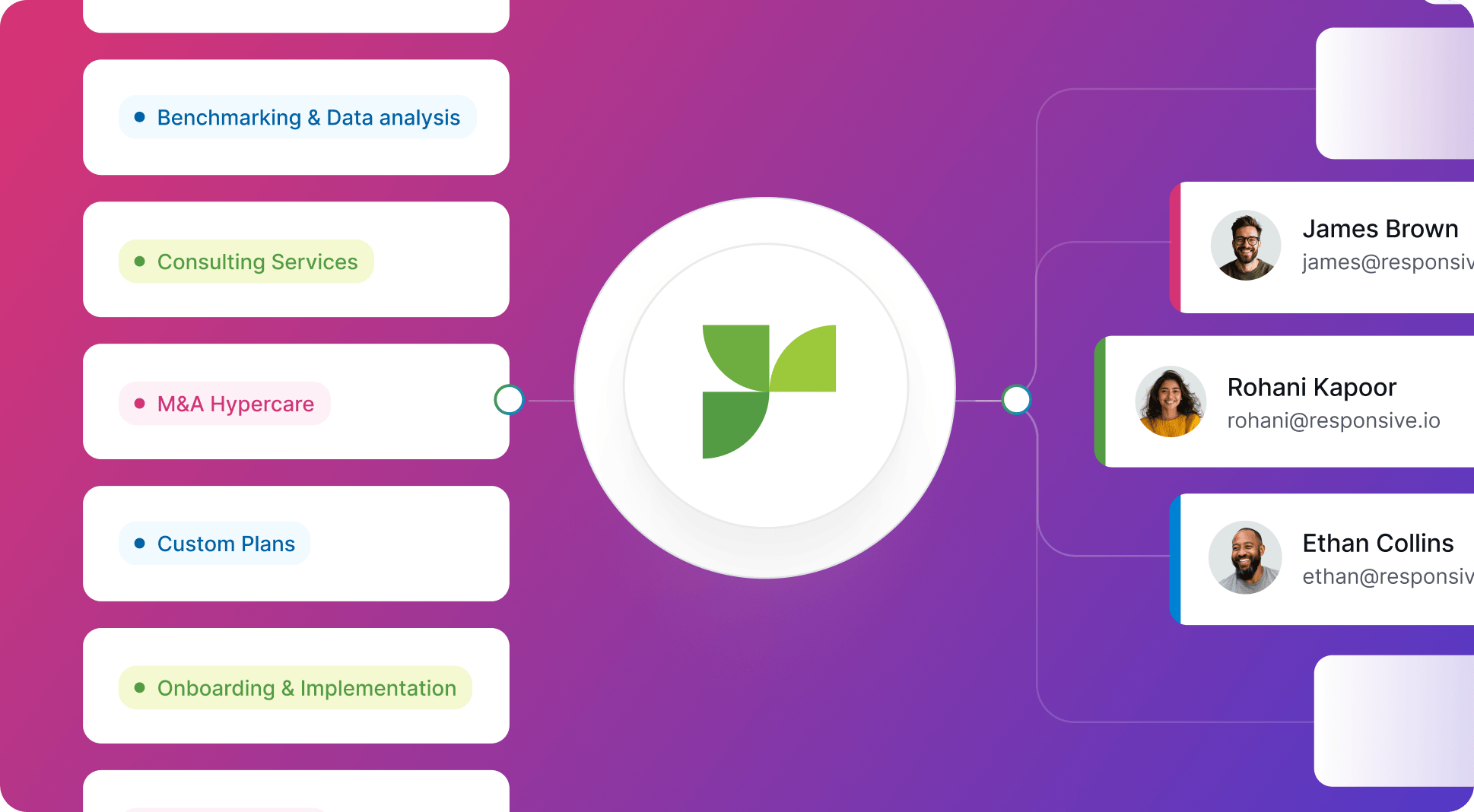
Mid-market companies typically need 4–8 weeks for complete setup. Large enterprises with ten years of legacy RFP responses and 25+ product lines may dedicate several months to setting up their initial content library. They might assign a project manager, coordinate subject matter experts to verify information, and use Responsive's comprehensive import tools in stages. Responsive's dedicated Professional Services team, with 35+ industry-certified specialists, guides this process to ensure optimal results.
What are the main challenges during the initial setup phase?
Regardless of company size, initial setup is just the baseline. The primary areas of focus include:
- Creating appropriate content categories
- Properly tagging content for accurate search results
- Verifying information accuracy (often requiring subject matter expert involvement)
- Configuring templates for unique requirements
- Training users, configuring permissions, and documenting internal processes for proposing, reviewing, and approving responses within Responsive's structured environment
Mastering Responsive’s features
Is Responsive easy to learn?
For advanced Responsive features, there may be a user-dependent learning curve. However, the platform is designed to be intuitive, and Responsive’s comprehensive support system helps teams navigate any transition successfully.
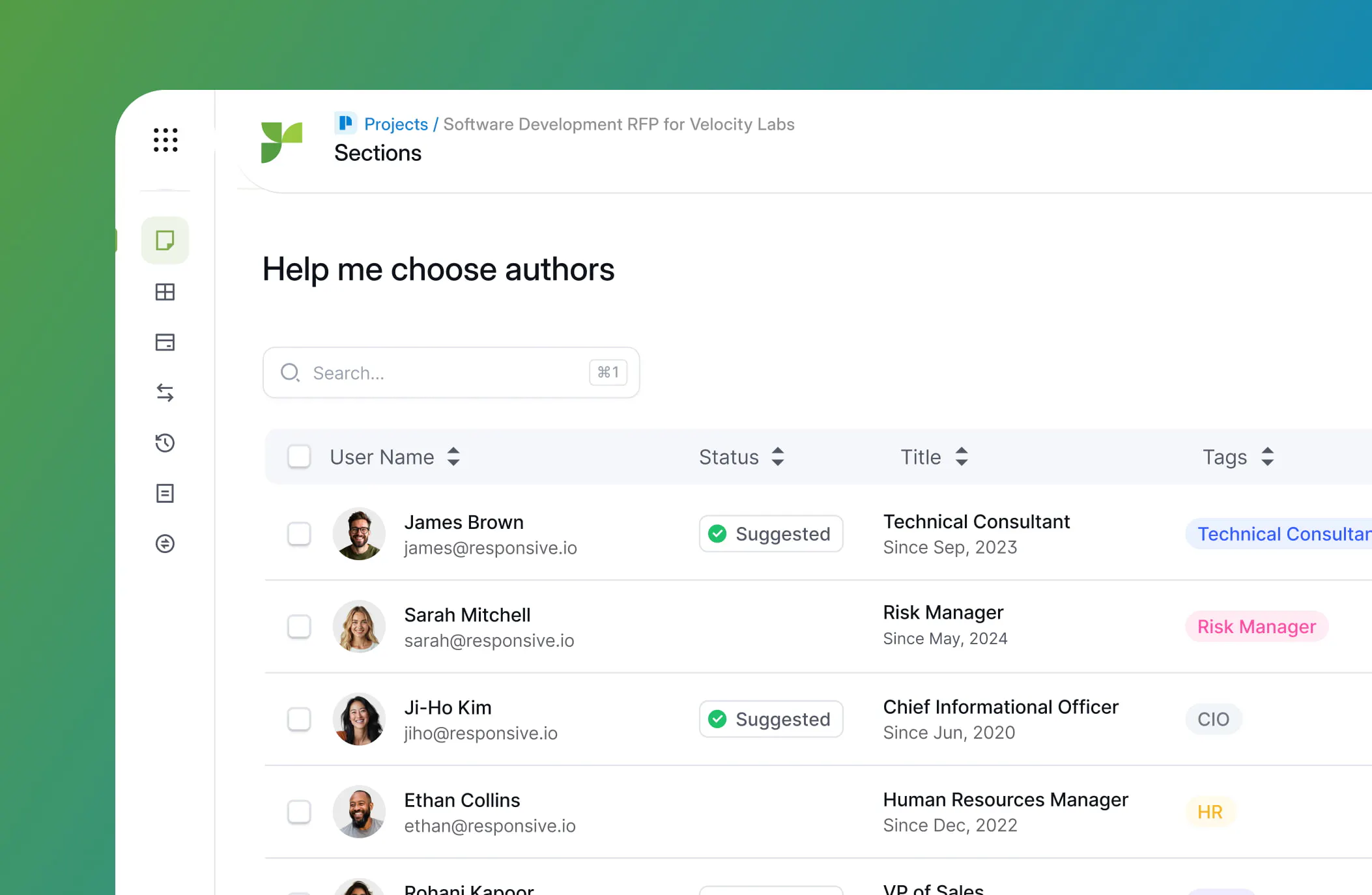
For instance, a mid-market pre-sales team accustomed to managing proposals in spreadsheets and email will find a positive first exposure to Responsive for basic workflows, such as uploading documents, assigning tasks, and searching the content library. The platform offers in-app tips and an online Responsive Academy that accelerates mastery of simple use cases, enabling these users to respond to standard RFPs within a few days.
While template customization may require some adaptation for highly complex formats, recent platform updates, such as Proposal Builder, have significantly improved flexibility. Responsive's support team actively helps teams find the right approach for their specific needs.
Addressing common considerations during adoption
What are the most common areas to plan for with Responsive?
Teams planning to adopt Responsive should understand the most common initial adjustment points, as recognizing these helps set realistic expectations and faster resolution.
Customization and flexibility
Responsive excels at standardized, high-volume RFP workflows. For teams requiring highly creative proposal formats—such as marketing agencies responding to brand-heavy RFPs—there may be an initial period of experimentation to optimize templates.
Content Library Management
Because Responsive's power stems from the quality of its content library, teams benefit from establishing governance routines early. The platform's effectiveness depends heavily on the quality and organization of its content, requiring teams to dedicate time to keeping content current, organized, and properly tagged.
Search and AI Optimization
Responsive's keyword search and AI search capabilities become more powerful with effective content tagging and organization.
Read more about best practices for content organization to enhance search effectiveness from the start.
Integration Capabilities
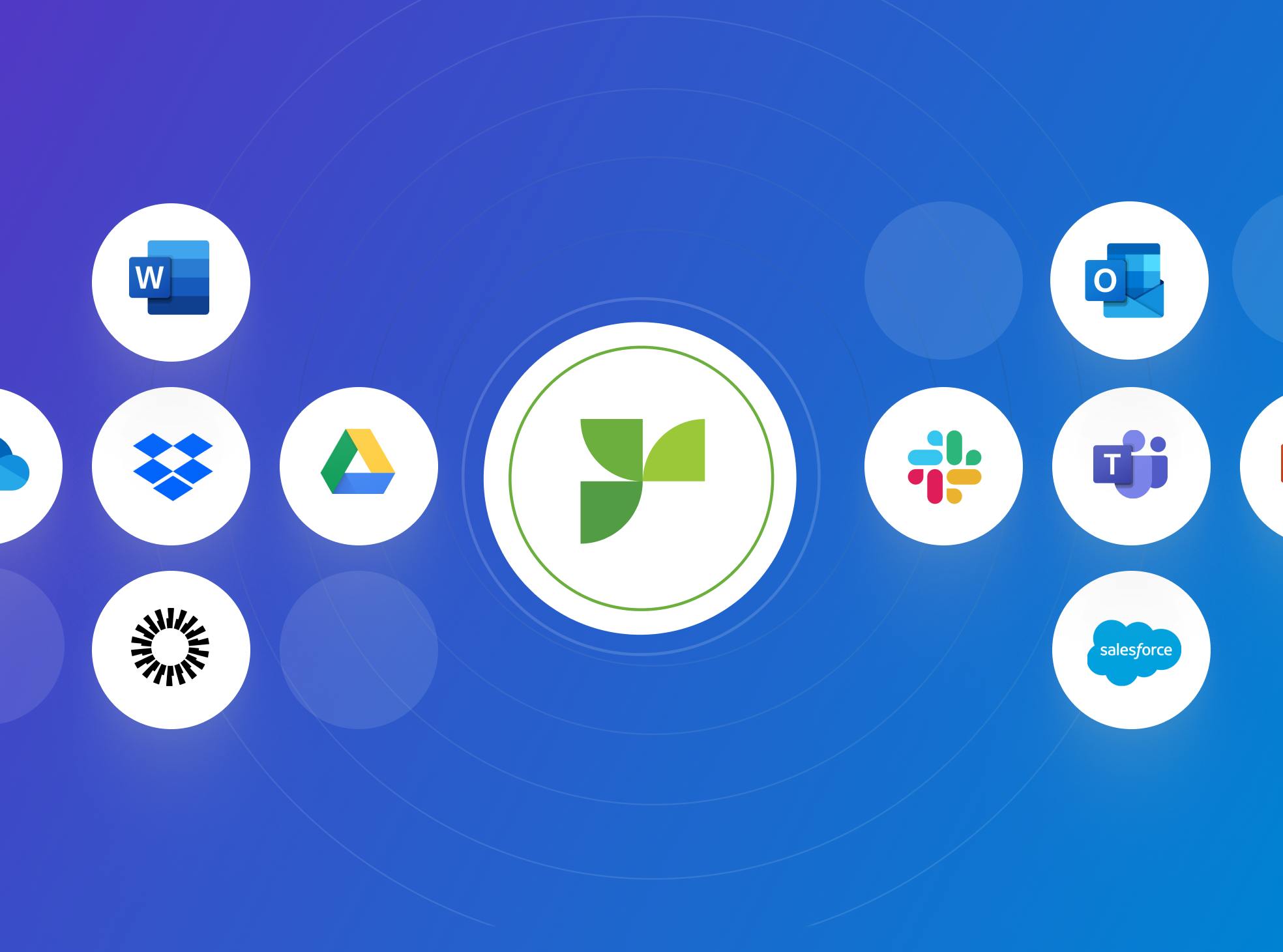
Most companies integrate Responsive seamlessly with Salesforce, Microsoft Teams, or document repositories. Popular integrations are robust and well-supported. For less common tools or custom CRMs, our technical team provides dedicated assistance to achieve workflow compatibility, typically resolving integration needs within the first few weeks of adoption.
Responsive’s Professional Services team offers a white-glove option, helping you migrate your data into Responsive and assisting with self-serve integrations as needed.
Timeline Expectations
- Small Business, Standard RFP Workflow: Setup and ramp-up typically takes 1–2 weeks. Content migration is straightforward, and users report confidently handling basic RFPs with minimal training.
- Mid-Market Firm, Broad Product Suite: Content onboarding takes 4–6 weeks, with most users becoming productive within two months. Power users typically achieve full proficiency within 2–3 months, with support from Responsive's training resources.
- Large Enterprise, Complex Workflows: The ramp-up spans 2–4 months, depending on internal coordination and integration requirements. Teams consistently report that the initial investment pays dividends in dramatically improved efficiency and collaboration once fully adopted.
Conclusion: Getting set up for Success
Responsive offers powerful, feature-rich RFP management at enterprise scale. Teams should plan for a meaningful, yet well-supported, onboarding period, ranging from 1 to 2 weeks for simple implementations to several months for complex, high-volume organizations.
The main initial focus areas are content migration, optimizing search and AI capabilities, configuring integrations, and adapting processes to Responsive's workflows. With proper training, ongoing content curation, and Responsive's comprehensive support, teams consistently report significant time savings and improved collaboration.
For organizations willing to invest in proper onboarding and ongoing content management, Responsive delivers significant efficiency gains. Teams report reductions in response times (from days to hours) and substantial returns on investment once fully implemented. The platform rewards upfront investment in learning and setup with sustained productivity gains, particularly for organizations with complex, high-volume proposal workflows.

Andrew Martin
Content Marketing Manager @ Responsive
Andrew Martin covers AI adoption, RFP strategy, and proposal management at Responsive, drawing on insights from Responsive's 2,000+ enterprise customer base and original research.