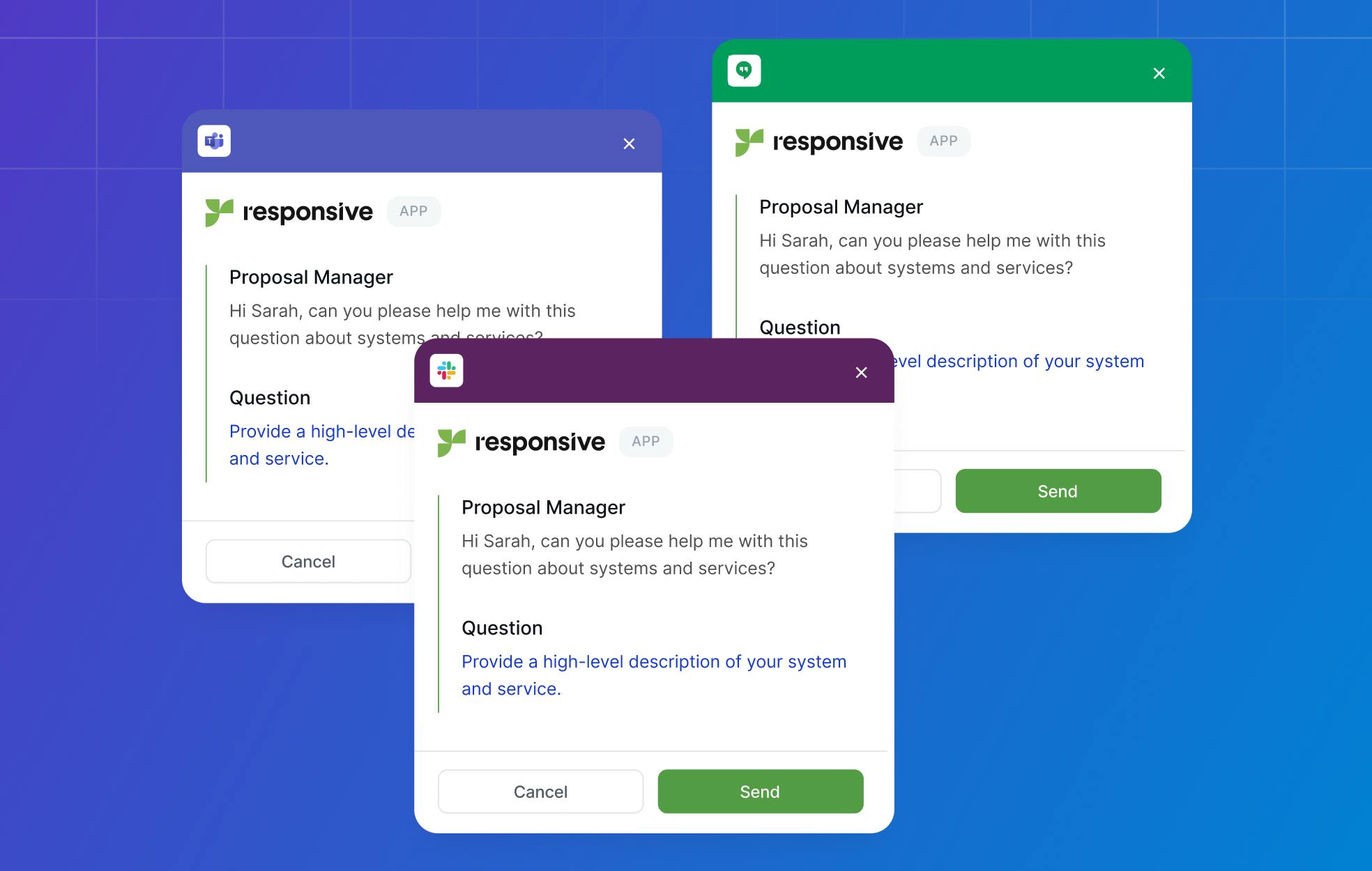
Our search functionality serves as the gateway to your organization's accumulated knowledge, making it a critical component for efficient RFP response management. At its core, Responsive's search is designed to help teams quickly locate relevant content from their centralized Content Library, which typically contains thousands of question-and-answer pairs, approved responses, and supporting documentation.
Understanding how this search system operates—and how to optimize its use—can significantly enhance your team's productivity when responding to RFPs and questionnaires.
Responsive core search mechanics and intelligence features
We utilize "intelligent search" capabilities, which combine traditional keyword matching with more advanced features like faceted filtering and AI-powered recommendations through our LookUp tool. When a user enters a search query, our system scans through the entire Content Library, examining not just the question text but also the answer content, tags, metadata, and other associated information.
Our search engine treats each word in your query as an individual keyword by default, which means searching for "cloud security compliance" would return results containing any combination of these three words, not necessarily the exact phrase.
Our platform supports advanced search operators that help users find exactly what they need. Placing quotation marks around a phrase forces an exact match search, so searching for "disaster recovery plan" in quotes would narrow results to only those containing that specific phrase.
Additionally, Responsive supports Boolean operators such as AND and OR, enabling users to construct complex queries. For instance, searching for "GDPR AND compliance NOT marketing" would find content about GDPR compliance while excluding marketing-related materials.
Faceted search and filtering capabilities in Responsive
Faceted search represents another powerful layer of our search functionality. After performing an initial search, users can apply filters based on various attributes such as content owner, creation date, tags, collections, or star ratings. Imagine your content library contains responses from multiple product lines.
If you're working on an RFP for your enterprise software division, you could first search for "scalability" and then filter results to show only content tagged with "enterprise" or owned by your enterprise product team. This refinement capability becomes increasingly valuable as content libraries grow and contain responses for different contexts.
AI-powered features and machine learning in Responsive
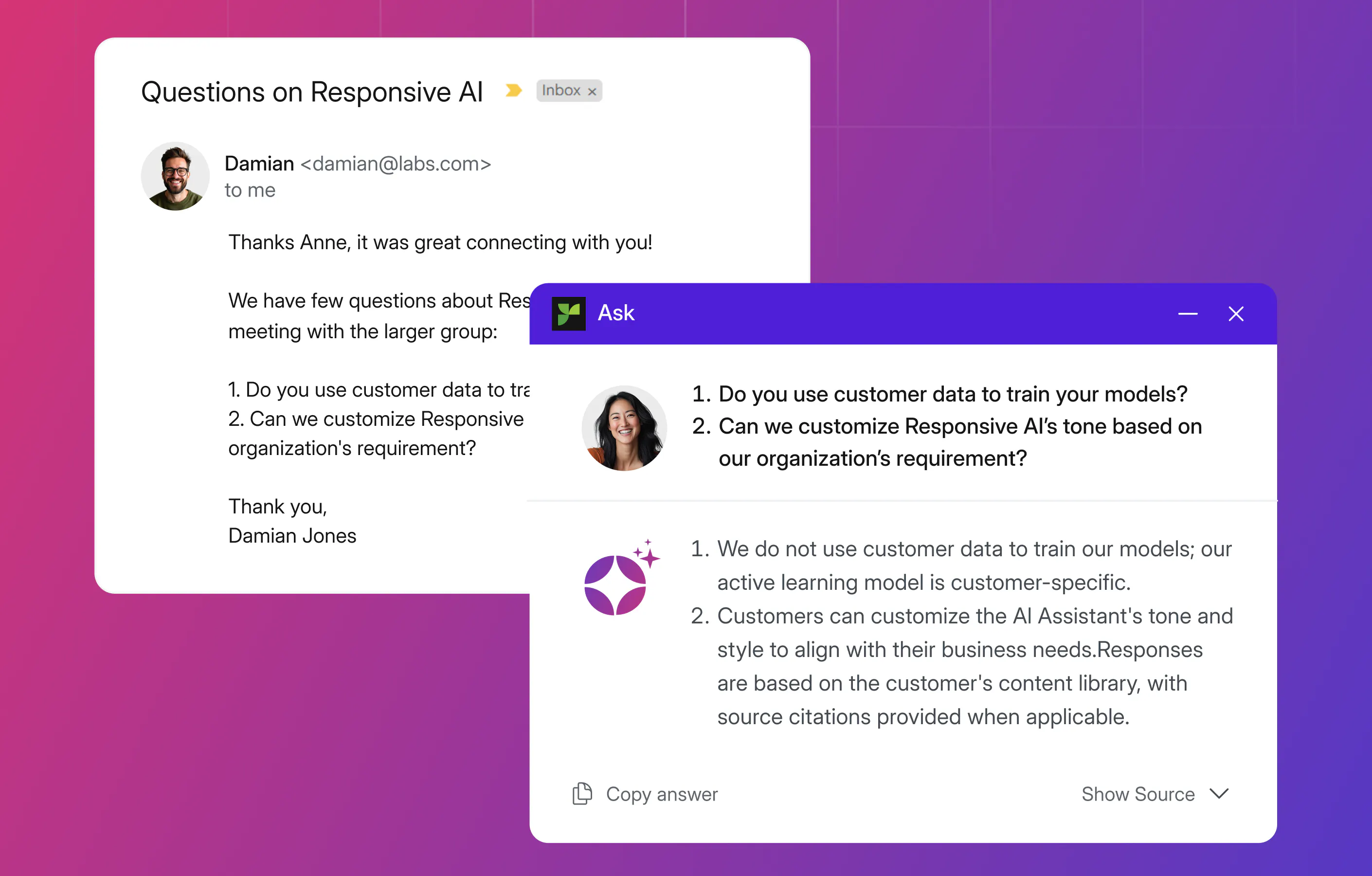
Our platform's AI-powered features enhance the sophistication of our search functionality. The LookUp tool uses machine learning to analyze the context of your search and suggest relevant content that might not contain your exact search terms but addresses similar concepts. For example, if you search for "information security," the AI might also surface content about "cybersecurity," "data protection," or "security protocols" based on patterns it has learned from how your team has used and connected content.
The effectiveness of these AI recommendations grows with the quality and organization of your content library. When teams consistently tag content, maintain clear naming conventions, and regularly update responses, our AI has better data to work with and can provide increasingly accurate suggestions. Even libraries with some inconsistencies benefit from our AI's ability to identify patterns and connections across content.
Our search functionality integrates with our Ask AI assistant, offering a new way to democratize organizational knowledge by taking a conversational approach to finding information. Rather than traditional keyword searching, users can pose natural language questions, such as "What certifications do we have for healthcare compliance?"
The AI assistant then searches through the content library and synthesizes a response from relevant materials. This feature can be invaluable for new team members who may not be familiar with the exact terminology that yields the best search results.
Optimization strategies and best practices
Organizations using Responsive have developed effective strategies to maximize search effectiveness. Some teams implement content governance policies that require specific keywords in all responses related to certain topics. Others create detailed tagging taxonomies that enable precise filtering.
For instance, a software company might tag all responses with the specific product version, industry vertical, and compliance framework they address, allowing searchers to quickly narrow results to precisely what they need.
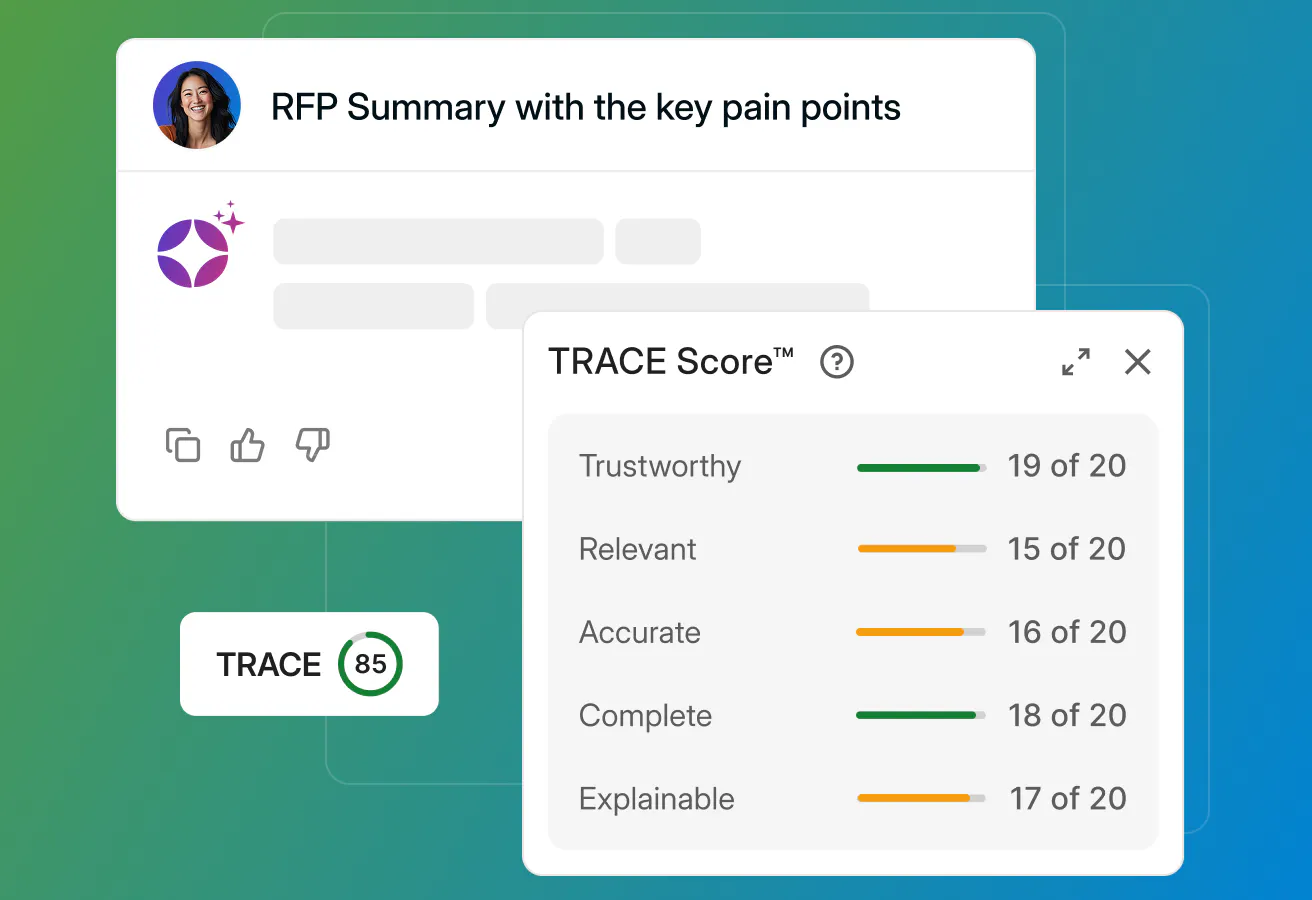
Our platform's search functionality continues to evolve with regular updates and improvements. Recent enhancements have focused on improving natural language processing capabilities and providing more transparent relevance scoring. Features like TRACE Score help users understand why specific results appear and how confident the system is in its recommendations, adding transparency that helps users make informed decisions about which content to use.
Understanding these search mechanics enables teams to work more efficiently within Responsive. By strategically combining advanced search operators, maintaining well-organized content libraries, and leveraging our AI-powered features appropriately, organizations can transform information discovery into a streamlined process that accelerates RFP response times while maintaining accuracy and consistency.

Andrew Martin
Content Marketing Manager @ Responsive
Andrew Martin covers AI adoption, RFP strategy, and proposal management at Responsive, drawing on insights from Responsive's 2,000+ enterprise customer base and original research.