
Knowledge management plays a central role in accuracy, speed, and trust across pursuit work. When information is scattered across email threads, personal folders, disconnected drives, or outdated spreadsheets, teams lose time and consistency. Hours go toward chasing answers, fixing inconsistencies, and confirming versions that would be clear with a shared system. You see the impact most during high-stakes responses, where a missing line or outdated policy slows progress or adds risk.
The 2025 State of Strategic Response Management Report shows that organizations with structured, accessible content gain a clear advantage. Leaders, defined as the segment experiencing year-over-year revenue growth, maintain updated knowledge that supports self-service across teams, reducing subject matter expert (SME) strain and helping new contributors work with confidence.
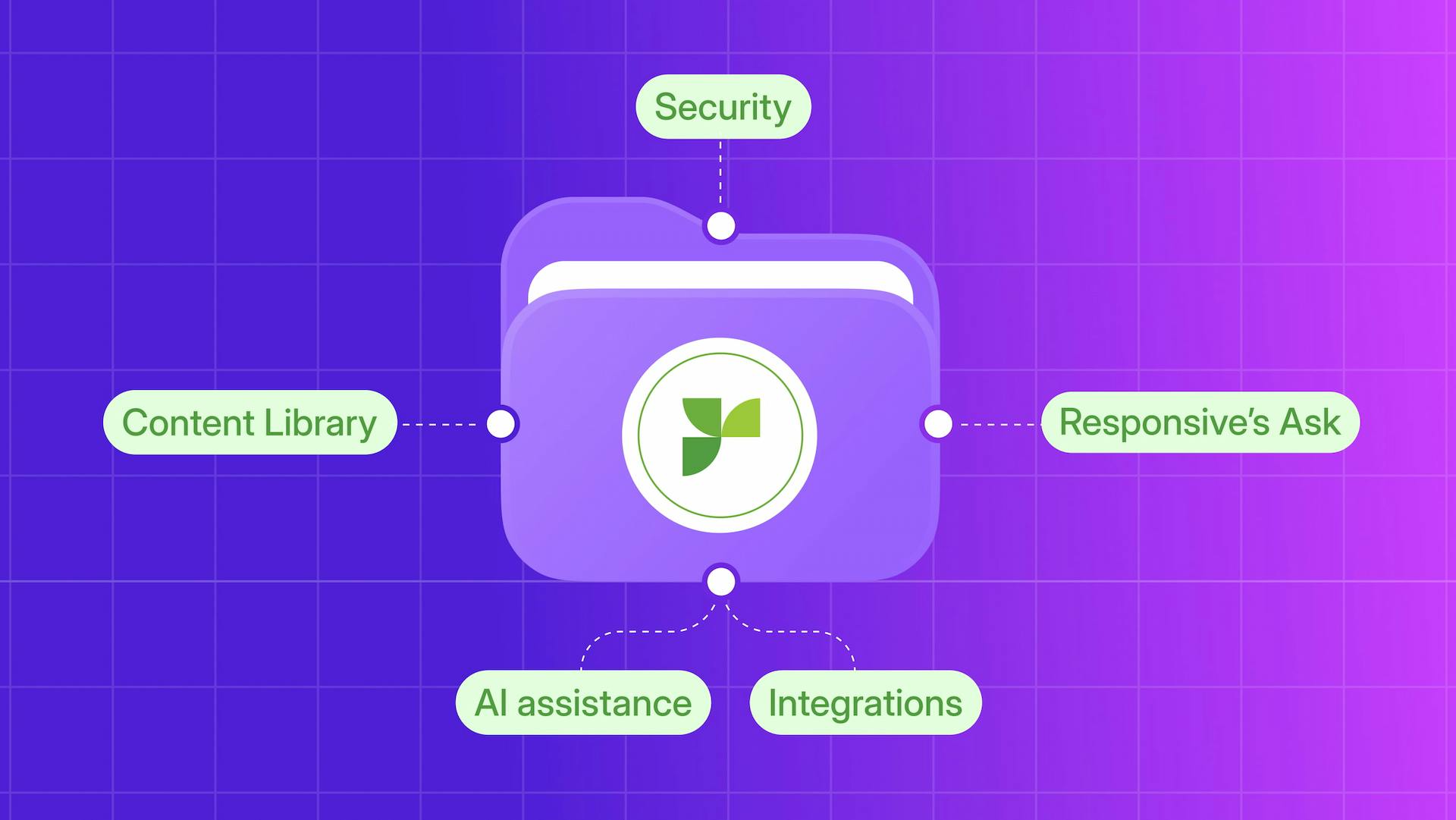
As you consider the tools that support knowledge management, it helps to think in layers. Each layer shapes how information is stored, retrieved, governed, and shared. Technology is most effective when people, processes, and platforms work together, giving you reliable answers, smoother handoffs, and fewer gaps across your workflow.
This post outlines those layers and how they combine to form a connected, repeatable system.
Why knowledge management matters more than ever
When information lives in different places, you introduce delays and uncertainty into every pursuit. Fragmented content forces teams to recreate answers, repeat questions to subject matter experts (SMEs), and search across tools for the correct version of a policy or description. These added steps slow work, affect response accuracy, and weaken confidence because it is not always clear which information is approved.
Insights from the sections on response workflow challenges and Leader practices in the 2025 State of SRM Report show how these gaps compound over time. Teams consistently cite scattered information, difficulty obtaining SME input, and lack of centralization as persistent challenges in their response workflows. As compliance expectations rise, these issues directly affect deal velocity and accuracy. When content is hard to verify, people spend time collecting information rather than improving the quality of their responses.
Organizations with strong knowledge management foundations take a different approach. They move away from ad hoc storage and toward structured content with defined ownership. Clear accountability for reusable answers strengthens trust, reduces risk, and supports consistency across teams.
When ownership is clear, content stays current and reliable. A connected set of tools makes this approach sustainable at scale, helping teams spend less time searching and more time responding with confidence.
The foundation: your centralized content hub
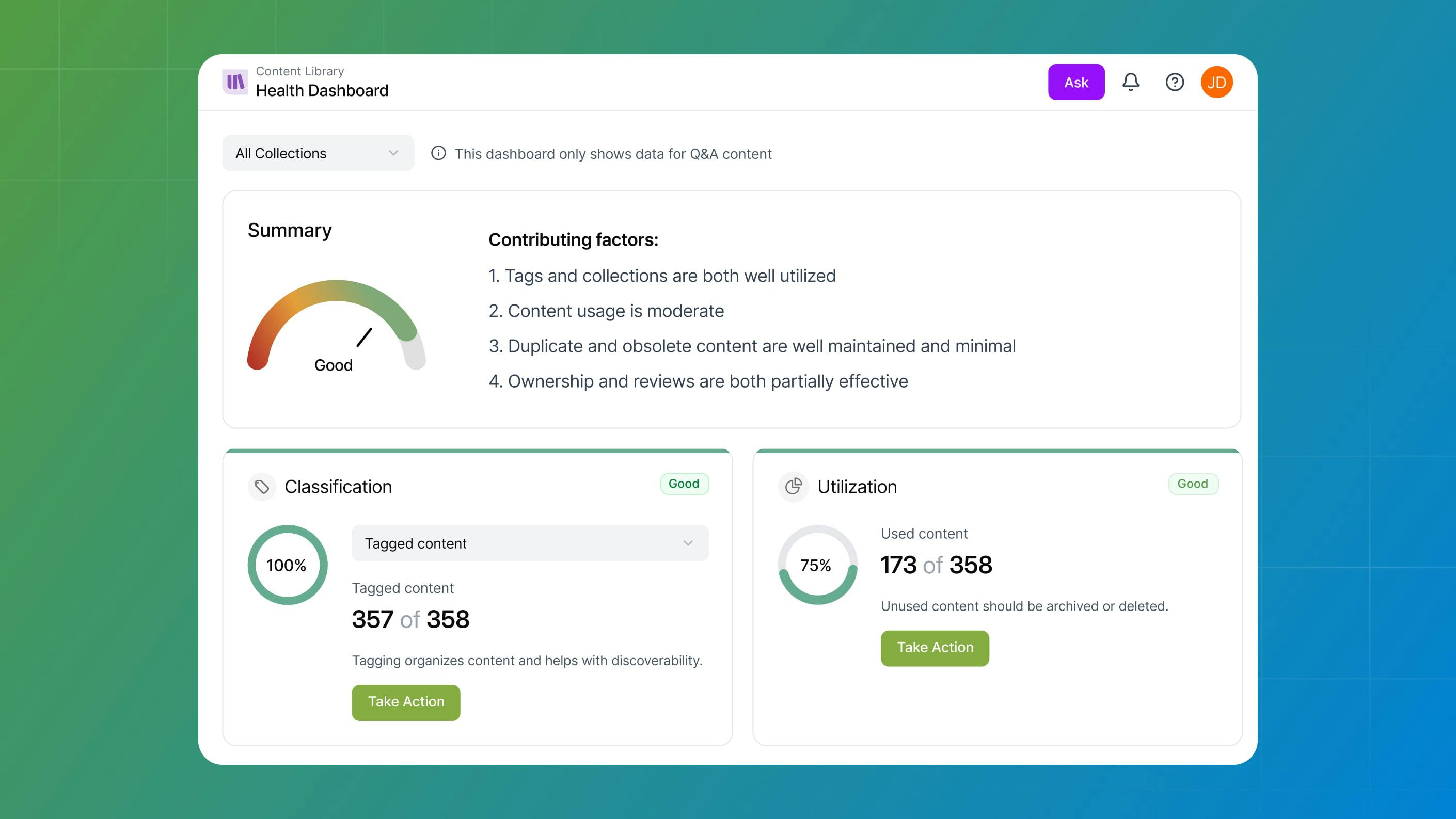
A reliable, governed content hub is the foundation of effective knowledge management. Without it, even advanced automation and AI tools cannot perform well. Accurate output depends on content that is current, approved, and easy to reference (Source: 2025 State of SRM Report, sections on AI readiness, content governance, and Leader practices). A central hub removes uncertainty about where the correct answer lives.
A true content hub supports response work by providing:
- Defined ownership for each content area
- Scheduled reviews to keep information current
- Approval paths that clarify readiness for use
This framework turns one-off knowledge into durable material that supports multiple teams and use cases.
Shared drives and spreadsheets often fail as content volumes grow. Teams encounter unclear approval status, version confusion, weak review controls, duplicated work, and inconsistent responses. A governed library replaces these gaps with a dependable reference point.
Inside Responsive, the Knowledge Hub serves as a single source of truth for response-ready material. It centralizes approved content and supports downstream tools that rely on curated information, keeping every response grounded in content you trust.
The discovery layer: search and retrieval tools
Even with a strong content hub, teams still need fast, reliable ways to retrieve the right information at the right moment. The discovery layer supports this by pairing keyword-based search with AI-driven question-and-answer capabilities. Each approach serves a different need, from exact recall to conversational access.
LookUp supports precise retrieval by pulling verbatim, validated Q&A pairs from the Content Library. It works inside tools teams already use, including Microsoft Excel, and helps maintain consistent wording when accuracy matters. Key strengths include:
- Direct retrieval of approved content
- Support for spreadsheet and browser-based questionnaires
- Reduced manual copying and reformatting
Ask supports broader access through natural-language questions. It generates grounded answers, cites sources, and provides a TRACE Score™ that reflects the confidence in the content used. As a result, teams can evaluate when refinement is needed and adopt AI more safely.
Together, these tools reduce time spent searching and increase trust in the answers delivered. The discovery layer ensures teams find not just information, but reliable answers they can use.
The intelligence layer: AI agents and automation

Once content is structured and easy to find, the next step is scaling how teams use it. Automation tools support this by handling repetitive work, maintaining libraries, and generating consistent first drafts while preserving human accountability for final accuracy.
AI agents manage multi-step tasks that would otherwise require manual coordination, including:
- Retrieval of approved content
- Assembly of draft responses
- Routing items to SMEs
- Identification of potentially outdated content
This allows teams to focus on areas that require judgment rather than coordination.
Automation should reinforce governance rather than bypass it. While agents accelerate information flow, teams still control updates, approvals, and the evolution of content. This balance maintains trust while removing steps that slow progress.
When the intelligence layer aligns with your content hub and discovery tools, teams can move faster without sacrificing accuracy.
The visibility layer: measurement and governance
Strong knowledge management depends on visibility. Teams need to see how content is used, where it is aging, and whether answers remain accurate. Measurement tools provide this insight without adding administrative burden.
Governance turns visibility into accountability through:
- Defined ownership for each content area
- Scheduled reviews that keep information current
- Approval paths that clarify readiness for use
These structures prevent outdated or inconsistent content from spreading across teams.
Measurement also applies to AI-generated responses. Scoring models such as TRACE Score™ assess the strength of an answer based on grounding and source reliability. This transparency helps teams understand how drafts are created and correct gaps earlier.
Together, measurement and governance provide the structure teams need to manage knowledge at scale. As content grows, these controls protect accuracy, reduce friction, and keep information reliable across the organization.
The collaboration layer: sharing knowledge securely
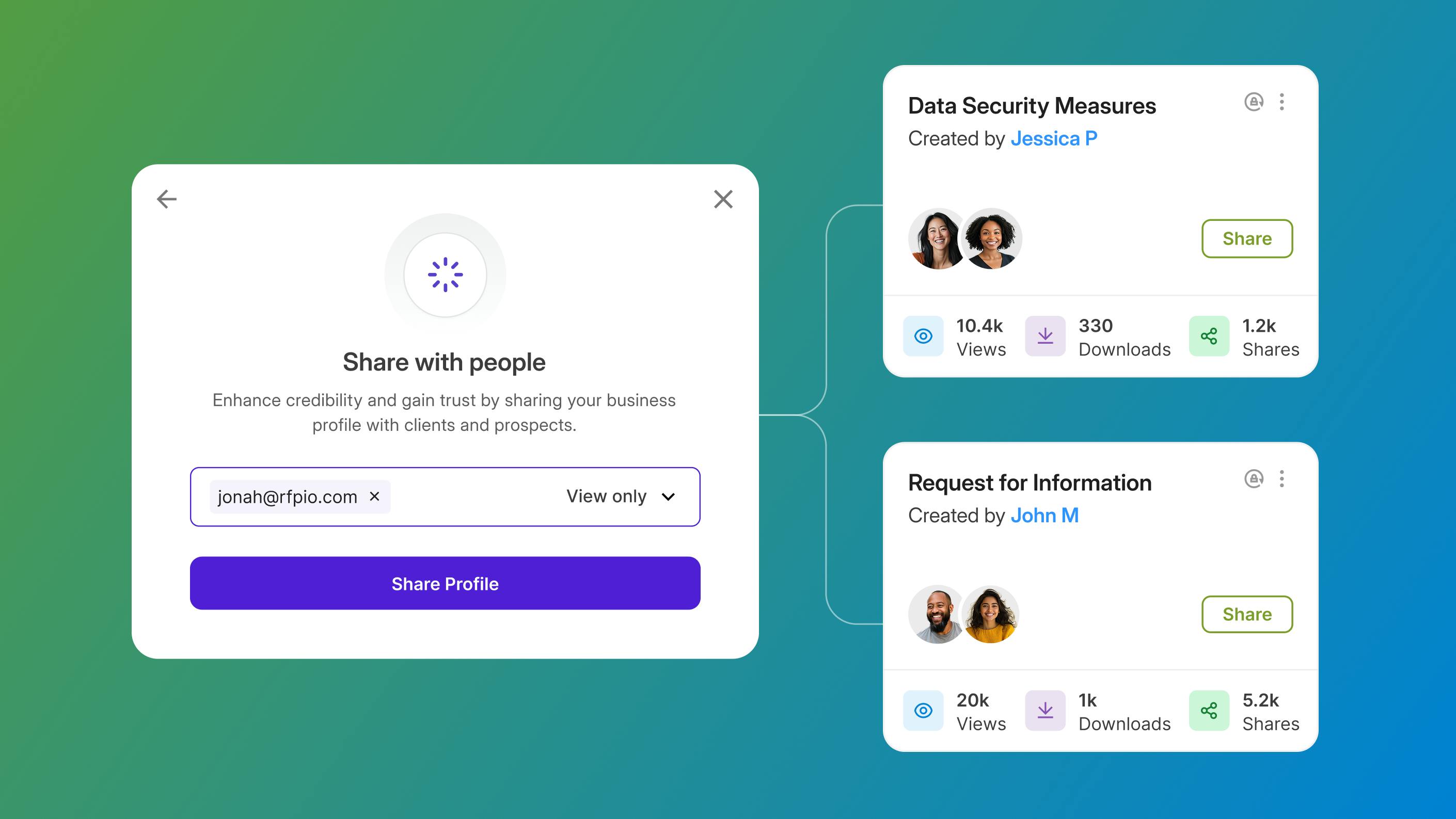
Knowledge creates value when it can be shared safely. Collaboration tools support controlled access, shared workspaces, and version tracking so teams can work together without confusion. Permissioning ensures the right contributors can update and view content while protecting sensitive material.
Trust Center extends secure sharing to external audiences. It provides a controlled environment for distributing curated, compliance-approved information. Organizations use Trust Center to:
- Upload certifications, policies, security documentation, and profiles
- Share approved collections with prospects, auditors, or partners
- Control access, visibility, and updates
- Reduce inbound questionnaires through proactive sharing
Integrations support collaboration inside daily workflows. Connections with Microsoft 365, Google Workspace, Slack, and Teams make approved answers available where teams already work, reducing context switching and reliance on file transfers.
Together, secure sharing and in-workflow access keep governed content at the center of every interaction. This improves consistency for internal teams and external stakeholders while reducing risk.
Putting it all together: building your knowledge stack
Each layer of the knowledge stack supports a specific role, but the true value comes from how they work together. A central hub provides trusted content, discovery tools surface it, AI agents scale its use, governance maintains accuracy, and collaboration tools extend access.
Viewed together, the stack follows a clear flow: Hub >> Discovery >> Intelligence >> Visibility >> Collaboration.
Evaluating platforms that deliver these capabilities as a connected system helps avoid gaps caused by disconnected tools. A unified approach reduces maintenance effort and improves consistency across responses.
When teams know where to look and trust what they find, every proposal, answer, and conversation becomes easier to manage. That alignment is the outcome of a well-structured knowledge stack.
Next steps: Start strengthening your knowledge management foundation
Interested in exploring more about how Responsive supports each layer of your knowledge management stack? Schedule a personalized demo with a Responsive rep to try out Responsive’s Knowledge Management capabilities, LookUp, and Ask.